Introduction
Create a template to make your vehicle compatible with custom skins
This step is completely optional, but it's always nicer to publish a vehicle with its template so that players can customize the bodywork as they wish.
Thanks to the template, you can transform your vehicle into a police vehicle, for example.
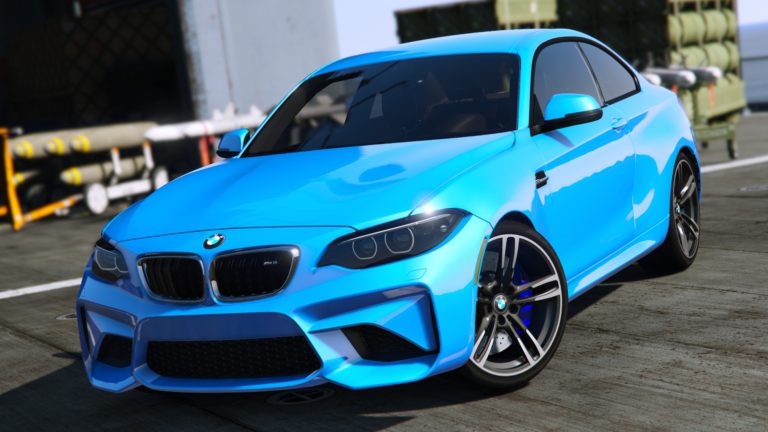
To put it simply, the template will "unfold" the vehicle and place it on a 2D plane, showing the right and left sides, the top and the front and rear. You can add other components to the same template, such as a spoiler, mirrors, etc. (see the example of the mirrors in the video).
Once each part has been developed, we'll organize it neatly and intelligently on our plan, staying within the limits of the texture. I suggest you follow the organization example shown in the video.
Once all this is done, all you have to do is render your 2D plan. It is imperative that you save your work, otherwise you risk losing everything during rendering. 4096 x 4096 pixelsbut it is possible, either because of a bug or because the PC is not powerful enough, that the error message " Insufficient memory "In this case, the software has crashed. Relaunch it and try again. If the same error occurs the second time, reduce the rendering size to 2048 x 2048 pixels.
Import your template on Photoshop or other editing software and create your skin (if you have rendered in 2048 x 2048 pixelsOn Photoshop, change the size to enlarge the template to a size of 4096 x 4096 pixels).
Then import your template into the .YTD your vehicle or on Zmodeler3 to render your work directly.
If your template contains transparent areas (if, for example, you have only added a logo to the vehicle), these areas will simply be the car's paintwork that you can change.
 English
  Français